
Many businesses think spring cleaning starts with tidying closets, yet the true clutter often lurks beyond just physical shelves.
Yes, some may be on a server rack, but much of it hides in storage rooms, back offices, or piles tagged "we'll address this later."
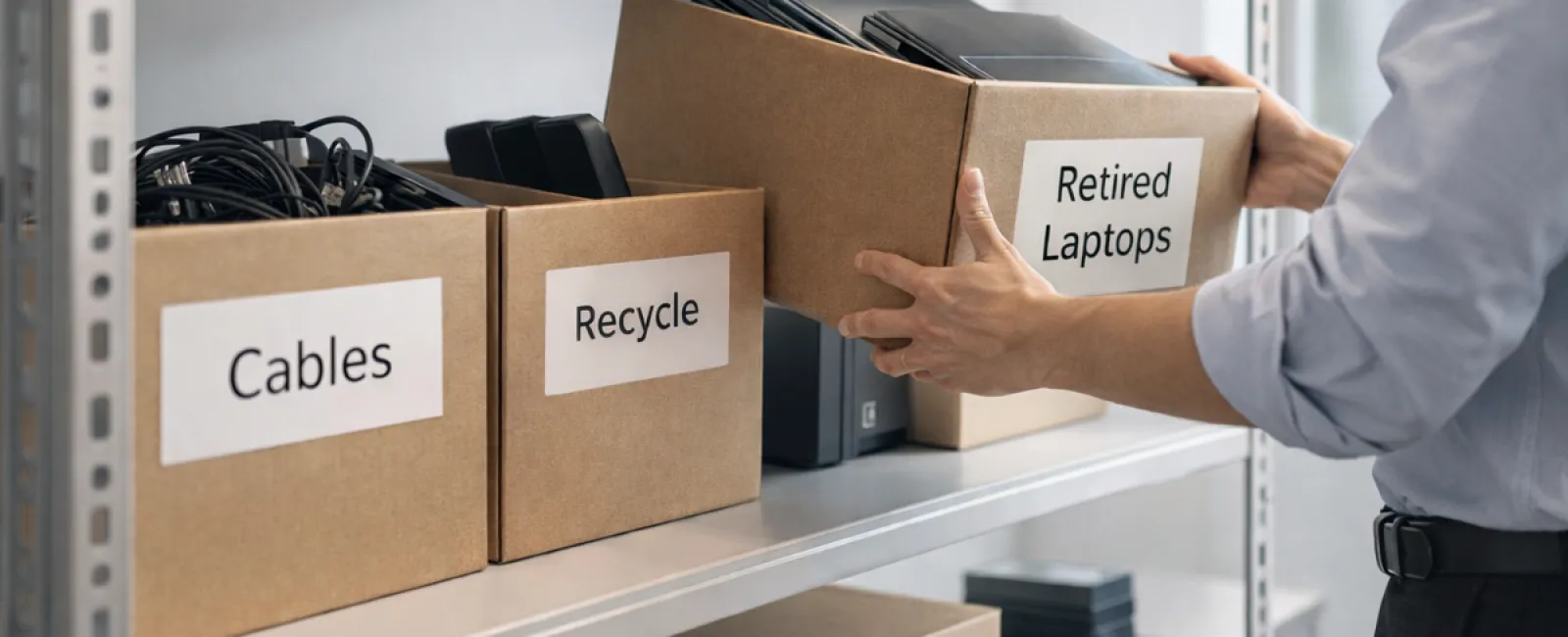
Obsolete laptops. Old printers. Backup drives from outdated upgrades. Boxes of cables saved "just in case."
Every company accumulates this over time.
The real issue isn't the clutter itself, but whether you have a strategic plan for handling it.
Technology Follows a Lifecycle — It's More Than Just a Purchase Date
Purchasing new tech comes with clear benefits: faster performance, enhanced security, expanded capabilities, and support for growth.
While most companies strategize around buying technology, very few plan how to properly retire it.
Retiring equipment usually happens informally: a device gets swapped out, set aside, then forgotten until space needs freeing.
That's common practice.
What's rarer is approaching technology retirement with the same care as the initial purchase.
Old devices still hold value—whether reusable parts, recyclable materials, or sensitive stored data. Sometimes, they become operational burdens, occupying space and attention unnecessarily.
Spring offers the perfect moment to reassess: What's genuinely useful and what's merely taking up valuable space?
A Clear Strategy to Refresh Your Technology
To elevate this from casual talk to effective action, follow our straightforward four-step method.
Step 1: Take Inventory
Identify what's being retired—are these laptops, phones, printers, networking devices, external drives? You can't manage what you don't know, and a simple review often uncovers surprises.
Step 2: Choose the Right Path
Devices generally fall into three groups: reuse (internally or donations), certified recycling, or secure destruction due to data sensitivity. The crucial part is making informed decisions rather than letting equipment languish indefinitely.
Step 3: Properly Prepare Devices
Discipline here protects your data and reputation.
For reuse or donation, remove devices from management systems, revoke user access, and perform certified data wiping—not mere factory resets. Simple deletion or formatting doesn't eradicate data; it only hides where it's stored.
Research by data security firm Blancco revealed that 42% of drives resold on eBay retained sensitive personal data despite sellers' claims of proper wiping. Certified erasure tools overwrite all sectors and provide verifiable reports.
For recycling, partner with certified e-waste recyclers, not general waste disposal. Be aware Best Buy's recycling is reserved for residential customers, not businesses.
Commercial-grade equipment should be handled by certified IT asset disposition (ITAD) services or business-focused recyclers. Seek providers certified by e-Stewards or R2 standards, which you can locate through searchable directories at e-stewards.org and sustainableelectronics.org. Your IT partner can assist in coordination.
If destruction is necessary, use certified wiping or physical destruction methods (shredding or degaussing), maintaining detailed records including device serial numbers, destruction methods, dates, and responsible personnel.
This isn't paranoia; it's smart, responsible closure.
Step 4: Document and Move Forward
After devices leave your control, ensure you have clear records of their destination, handling methods, and confirmation that access has been revoked. Proper documentation removes future uncertainties.
Devices Often Overlooked
Laptops usually get spotlighted, but many other devices deserve attention.
Phones and tablets often hold sensitive data like emails, contacts, or authentication apps. Though factory resets help, certified wiping tools deliver deeper protection. Major manufacturers like Apple and Samsung offer trade-in programs—even for older models—that may provide credits toward new purchases.
Modern printers and copiers often contain internal drives storing every document printed, scanned, copied, or faxed. When returning leased units, request written assurance that these drives will either be wiped or removed before reuse.
Batteries are classified hazardous by the EPA. Many states, including California, New York, and Minnesota, legally prohibit businesses from disposing of rechargeable batteries in general trash. Remove batteries when possible, tape terminals to prevent short circuits, and drop them off at certified recycling locations. Call2Recycle.org offers a locator map, and retailers like Staples, Home Depot, and Lowe's accept rechargeable batteries in most stores.
External drives and retired servers typically linger in closets longer than planned. While not immediately problematic, these devices warrant the same thorough retirement process as all others.
Recycling Reminders for Earth Day
April brings Earth Day awareness - a perfect time to reflect on responsible electronics disposal.
Batteries, monitors, and circuit boards shouldn't end up in landfills. Globally, over 62 million metric tons of e-waste are generated annually, but only around 22% is recycled correctly. Many communities offer certified e-waste recycling options to handle these materials safely.
Handled properly, retiring tech blends operational efficiency with environmental stewardship and strategic advantage. You don't have to sacrifice security for responsibility—you can achieve both.
Plus, it's a great story to share on your company's social platforms. Customers appreciate businesses that manage technology responsibly without fanfare.
Unlocking Greater Potential
Spring cleaning isn't just about discarding—it's about creating room to grow.
Removing obsolete equipment is just one piece. When reassessing your hardware, ask the bigger question: Is your technology genuinely supporting your business goals?
Hardware changes over time, but modern success hinges on software, systems, automation, and optimized processes driving productivity and profits.
Properly retiring outdated tech keeps your operations tidy. Ensuring your current technology aligns with objectives propels your business forward.
How We Support You
If you already have a straightforward retirement process, that's excellent—it should feel effortless and routine.
But while replacing old hardware the right way is important, consider the larger view: Are your systems efficient? Are your tools integrated? Is your technology helping you grow, or merely keeping things running?
If you want to step back and evaluate how your technology stack, systems, and processes impact productivity and profits, we're ready to talk.
No equipment checklists. No pressure. Just a focused conversation on making technology work harder for your business.
Click here or give us a call at 1-310-798-0405 to schedule your free 15-Minute Discovery Call.
If this inspired you, feel free to share it with other business owners.
Spring cleaning goes beyond closets—it includes optimizing the systems that drive your business.


