
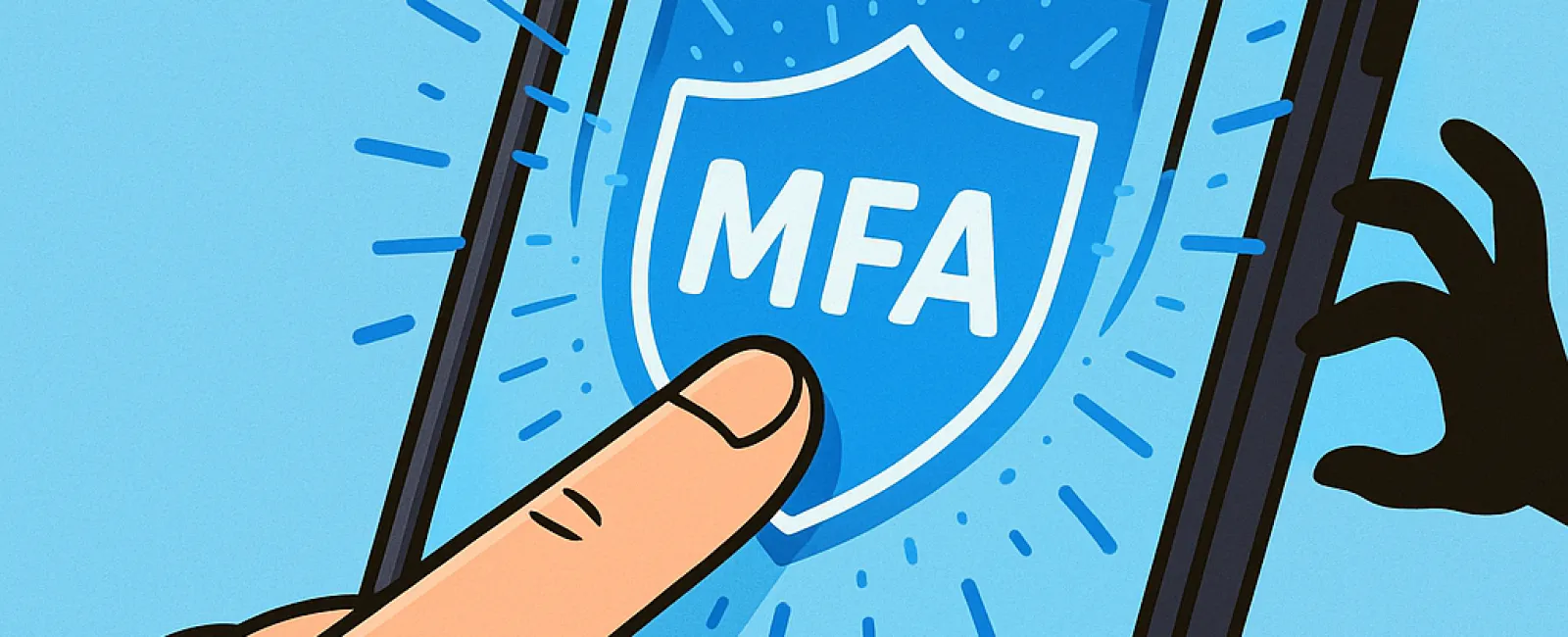
Just like you never drive without a seat belt or leave your office unlocked overnight, why risk going online without multifactor authentication (MFA)?
MFA acts as a powerful second lock for your digital world. Instead of depending solely on a password—which can be stolen, guessed, or phished—it adds an extra layer like a text message code, an authentication app, or biometric verification such as a fingerprint scan. Even if someone cracks your password, they won't get far without completing that second step.
One Simple Step to Fortify Your Security
If your password is like locking your front door, then MFA is like activating your home's security system before bedtime. It might seem optional, but isn't it reassuring to have a backup if one protection fails?
MFA adds a quick, vital verification step to ensure it's truly you logging in. Also known as "two-step verification," "two-factor authentication," or "one-time password," it means two or more actions must confirm your identity before you gain access to sensitive data.
MFA comes in many forms: confirmation emails during account creation, security questions at your bank, text message codes, push notifications, or phone verification. Most take just a tap or a simple code entry to complete.
How MFA Protects You in Real-Life Scenarios
While MFA is effortless for you—just click a button or type a code—the challenge it presents to hackers is significant. If someone tries to break into your account, MFA immediately sends you a notification or request for a code. This alert allows you to change your password promptly and prevent data theft.
MFA also blocks unauthorized access even if a hacker tricks an employee into revealing their login credentials. In fact, Microsoft reported that enabling MFA decreases the risk of account compromise by over 99.2%, and by an astounding 99.99% when MFA is in place.
Essential Accounts Where MFA Should Be Enabled
Make sure MFA is activated on your most critical accounts:
- Financial and banking apps
- Email and cloud storage platforms
- Social media profiles
- Work-related logins involving clients or proprietary data
Setting up MFA is simple—many major services offer built-in options to enable it. Choose the method that fits your routine best, and strengthen your team's security by integrating authenticator apps.
MFA is a rapid, cost-free defense that can prevent most hacking attempts. Spending a few minutes to enable it today could save you from long-term headaches and data loss.
The easiest way to get MFA up and running is by contacting your IT provider. A trusted MSP will guide you seamlessly through the setup. If you need cybersecurity expertise, click here or call us at 1-310-798-0405 to schedule a 15-Minute Discovery Call with our team now.


